Learning to code is one thing. Proving you can build something real is another.
That’s exactly why web development projects matter so much today. Whether you’re a student in Bengaluru, a self-taught coder in Pune, or a career switcher in Delhi, projects are what separate a resume full of buzzwords from one that actually gets interview calls.
In this guide, you’ll find practical project ideas, the tools professionals actually use, and a clear roadmap to go from your first HTML page to a job-ready portfolio. No fluff. Just what works.
Why Web Development Projects Matter?
Recruiters in India’s tech industry see thousands of resumes every month. Most of them look identical. What actually catches attention is a live project with real code behind it.
Here’s why hands-on projects matter more than certificates alone:
- They prove you can solve real problems, not just memorize syntax.
- They give you talking points during technical interviews.
- They help you understand how different technologies connect together.
- They build confidence before you apply for your first job or freelance gig.
According to Google’s Web Fundamentals documentation, real-world practice is one of the fastest ways to internalize core web concepts like responsive design and performance. Employers agree. A working demo speaks louder than a bullet point on a CV.
Types of Web Development Projects
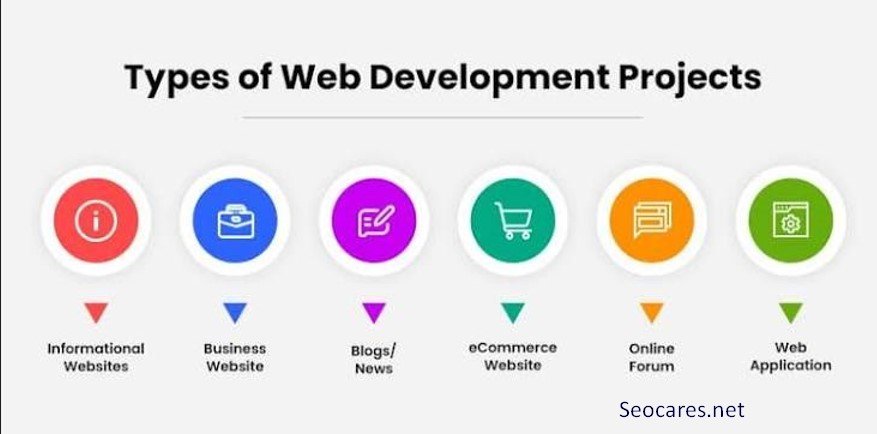
Before picking a project, it helps to understand the main categories. Each one builds a different skill set.
1. Static Website Projects
Simple, no-database sites built with HTML, CSS, and basic JavaScript. Great for absolute beginners.
2. Dynamic Website Projects
Sites that pull data from a database and change based on user input, like a blog or job board.
3. Web Application Projects
Interactive tools like calculators, dashboards, or task managers that behave like software, not just pages.
4. E-Commerce Projects
Online stores with product listings, carts, and payment integration.
5. API-Based Projects
Projects that fetch and display data from third-party services like weather APIs or movie databases.
Beginner-Level Project Ideas
If you’re just starting out, keep things simple. The goal is to build muscle memory with core web technologies.
Personal Portfolio Website
A single-page site showcasing your skills, projects, and contact details. This is often the very first project every developer should build, since it doubles as your professional introduction.
To-Do List App
A classic project that teaches DOM manipulation, local storage, and basic JavaScript logic without needing a backend.
Landing Page for a Fictional Product
Practice responsive design, typography, and layout using CSS Flexbox or Grid.
Recipe or Blog Card Layout
Great for practicing CSS Grid, image handling, and content structuring.
Simple Calculator
Reinforces JavaScript functions, event listeners, and basic arithmetic logic.
Skills gained: HTML structure, CSS styling, basic JavaScript, responsive design fundamentals.
Intermediate-Level Project Ideas
Once you’re comfortable with the basics, it’s time to add complexity like APIs, databases, and frameworks.
Weather App Using a Public API
Fetch live weather data and display it dynamically. Teaches asynchronous JavaScript and API integration.
Blog Platform with CRUD Functionality
Build a system where users can Create, Read, Update, and Delete posts. This introduces backend logic and databases.
Expense Tracker
Combine forms, local storage or a database, and data visualization using charts.
Movie Search App
Connect to a public movie database API and add search, filter, and sort features.
Quiz Application
Practice state management, conditional logic, and scoring systems.
Skills gained: API integration, basic backend logic, state management, working with frameworks like React or Vue.
Advanced-Level Project Ideas
These projects are closer to what you’ll actually build in a job. They involve multiple moving parts working together.
Full-Stack E-Commerce Website
Include product catalogs, shopping carts, user authentication, and payment gateway integration. This is one of the most impressive projects for a portfolio because it touches nearly every skill in web development.
Social Media Dashboard
Build a platform where users can post, comment, and follow others. Requires solid database design and real-time updates.
Job Board or Freelance Marketplace
Create listings, filters, and an admin approval system. This mirrors real business logic used by platforms across industries.
Real-Time Chat Application
Use WebSockets to build instant messaging functionality between users.
Learning Management System (LMS)
Include course listings, video content, quizzes, and progress tracking.
Skills gained: Authentication, database architecture, payment integration, real-time data handling, deployment.
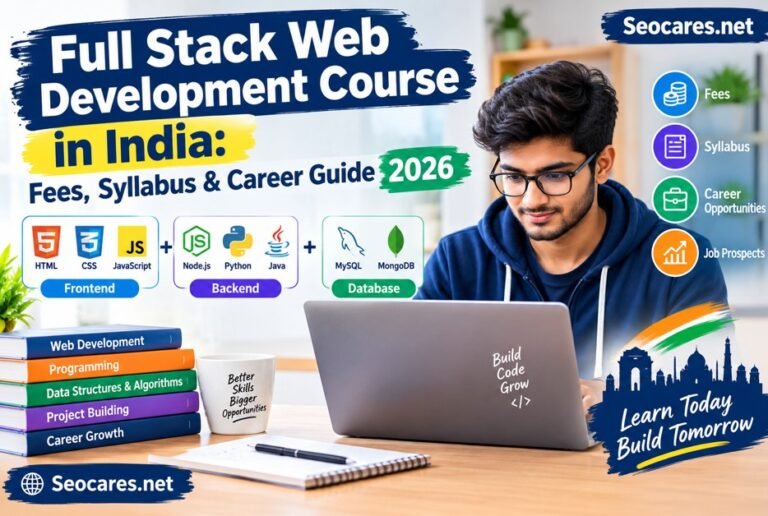
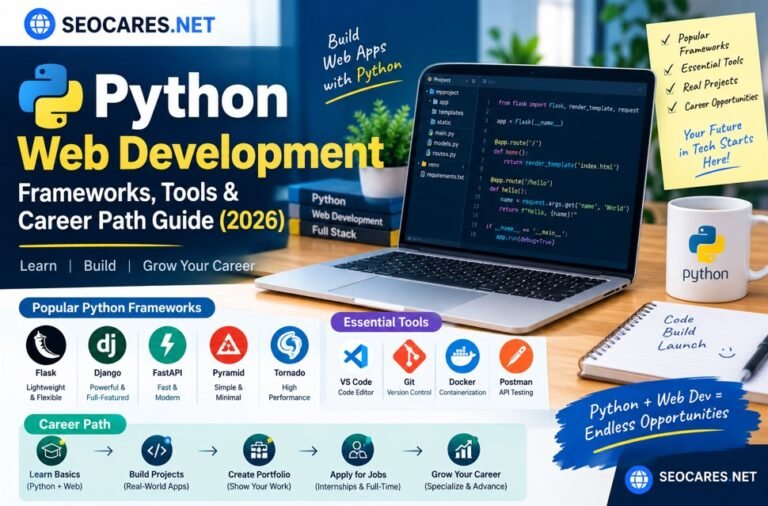
Tools and Technologies You’ll Need
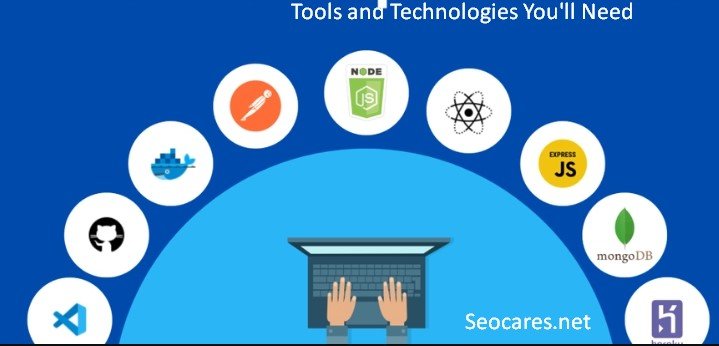
The right toolkit depends on your project type, but here’s what most developers rely on today.
| Category | Popular Tools |
| Frontend Languages | HTML, CSS, JavaScript |
| Frontend Frameworks | React, Vue, Angular |
| Backend Languages | Node.js, Python, PHP |
| Backend Frameworks | Express, Django, Laravel |
| Databases | MySQL, MongoDB, PostgreSQL |
| Version Control | Git and GitHub |
| Hosting Platforms | Vercel, Netlify, Hostinger |
| Design Tools | Figma, Adobe XD |
Choosing tools shouldn’t be overwhelming. Start with one frontend language, one backend option, and one database. Master that combination before jumping into new frameworks.
Frontend vs Backend vs Full-Stack Projects
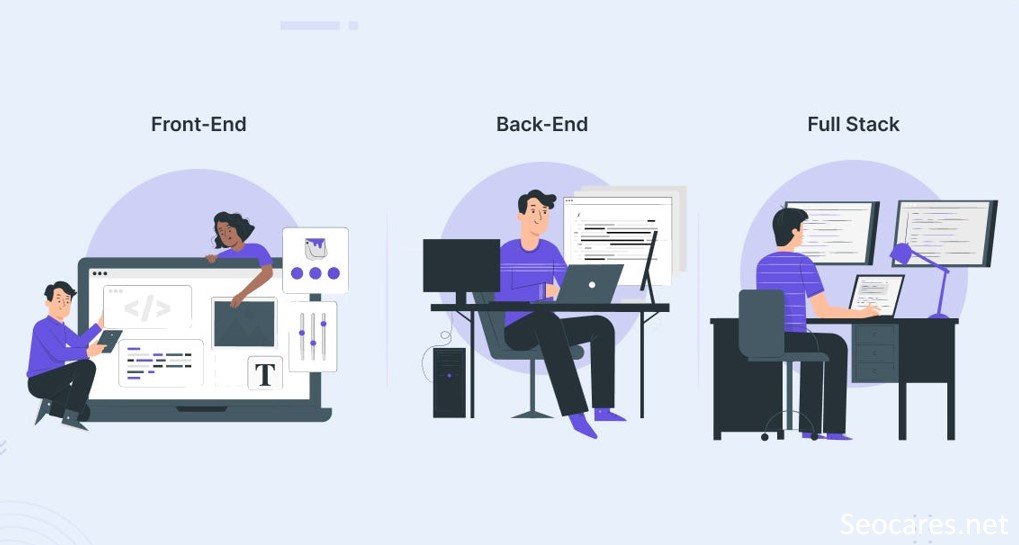
Understanding this distinction helps you pick projects that match your career goals.
Frontend projects focus on what users see and interact with. Think layouts, animations, and responsiveness. Ideal if you enjoy design and user experience.
Backend projects handle data, logic, and server-side operations. Ideal if you enjoy problem-solving, databases, and system design.
Full-stack projects combine both. They take longer but give you the most complete understanding of how a web application actually works from end to end.
If you’re unsure which path suits you, try one project from each category before committing to a specialization.
How to Choose the Right Project for You
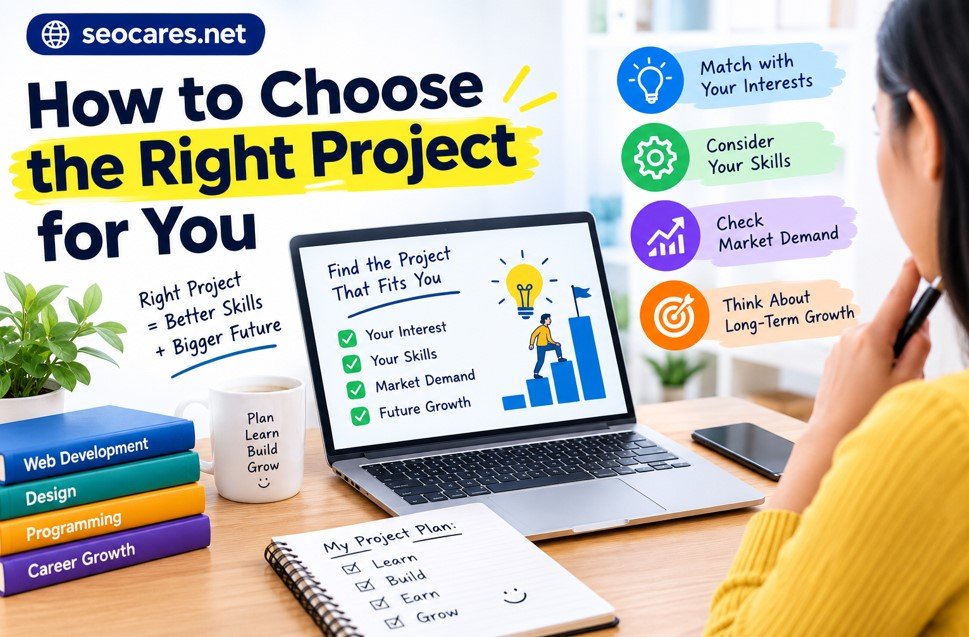
Not every project fits every learner. Use these factors to guide your decision.
- Current skill level: Don’t jump into a full e-commerce site if you haven’t built a static page yet.
- Career goal: Aspiring frontend developers should prioritize UI-heavy projects. Backend-focused learners should build APIs and database systems.
- Time available: Smaller projects build momentum faster than one giant unfinished one.
- Personal interest: A project you’re genuinely curious about is one you’ll actually finish.
A good rule of thumb: pick a project that’s slightly harder than your last one, not drastically harder.
Common Mistakes to Avoid
Even motivated learners fall into these traps. Avoiding them saves weeks of frustration.
- Copying tutorials without understanding the code. Rebuilding a tutorial exactly doesn’t teach problem-solving.
- Skipping version control. Not using Git from day one makes collaboration and debugging harder later.
- Ignoring responsive design. A project that breaks on mobile devices looks unfinished to recruiters.
- Ignoring documentation. A README file explaining your project’s purpose and setup instructions matters more than most beginners realize.
- Never deploying the project. A project sitting only on your local machine has no proof-of-work value. Always host it live.
Building a Portfolio That Gets Noticed
A strong portfolio isn’t about quantity. It’s about clarity and relevance.
Focus on Quality Over Quantity
Three well-built, deployed projects beat ten half-finished ones sitting in a GitHub repo.
Write Clear Project Descriptions
Explain the problem your project solves, the technologies used, and challenges you overcame.
Include Live Demo Links
Recruiters rarely clone repositories to test code locally. A live link removes that friction entirely.
Show Your Process
Adding a short case study or blog post about your build process demonstrates critical thinking, not just coding ability.
Keep GitHub Clean
Organize repositories with proper naming, commit messages, and folder structures.
Pros and Cons of Project-Based Learning

| Pros | Cons |
| Builds real, demonstrable skills | Can be time-consuming without guidance |
| Improves problem-solving ability | Beginners may feel overwhelmed early on |
| Creates portfolio material for jobs | Easy to get stuck without mentorship |
| Reinforces theory through practice | Requires consistent motivation |
| Prepares you for real workplace tasks | Some projects need paid tools or hosting |
Despite the challenges, most experienced developers agree that project-based learning is far more effective than passive video-watching alone.
Frequently Asked Questions
1. How many web development projects should I build before applying for jobs?
Three to five well-built, deployed projects are usually enough to show recruiters your range of skills, especially if they cover both frontend and backend work.
2. What is the best project for a complete beginner?
A personal portfolio website is the best starting point. It’s simple enough to complete quickly but useful enough to keep using afterward.
3. Should I use a framework like React for my first project?
Not necessarily. Learn core HTML, CSS, and JavaScript first. Frameworks are easier to understand once you know the fundamentals they’re built on.
4. How long does it take to complete a full-stack project?
It depends on complexity, but most learners take two to six weeks for a full-stack project when balancing it with other responsibilities.
5. Do I need to know backend development to get a web developer job?
Not always. Many companies hire dedicated frontend developers. However, understanding basic backend concepts makes you more versatile and valuable.
6. Where should I host my web development projects?
Platforms like Vercel and Netlify work well for frontend projects, while Hostinger and similar providers support full-stack applications with databases.
7. Can I get a job with only personal projects and no work experience?
Yes. Many developers land their first job through strong personal projects, especially when combined with internships, freelance work, or open-source contributions.
8. What makes a web development project stand out to recruiters?
Clean code, a live demo, clear documentation, and a project that solves a genuine problem stand out far more than following a generic tutorial.
9. Should I work on projects alone or in a team?
Both have value. Solo projects show independent skill, while team projects demonstrate collaboration and version control experience, which employers value highly.
10. How do I keep improving after finishing a few projects?
Revisit old projects and add new features, refactor messy code, or rebuild them using a different tech stack to deepen your understanding.
Conclusion
Web development projects are the fastest way to turn knowledge into skill. They force you to solve real problems, work with real tools, and build something you can actually show off.
Start small. A portfolio site or a to-do app is enough to begin. Then gradually take on projects that challenge you a little more each time, from API integrations to full-stack applications with authentication and databases.
The developers who succeed aren’t always the ones who know the most theory. They’re the ones who kept building, kept deploying, and kept learning from every project along the way.
Pick one idea from this guide today. Open your code editor. Start building.