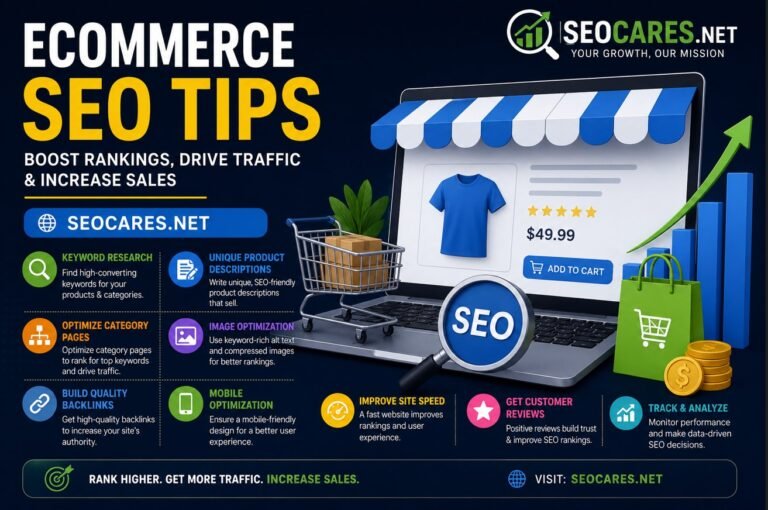
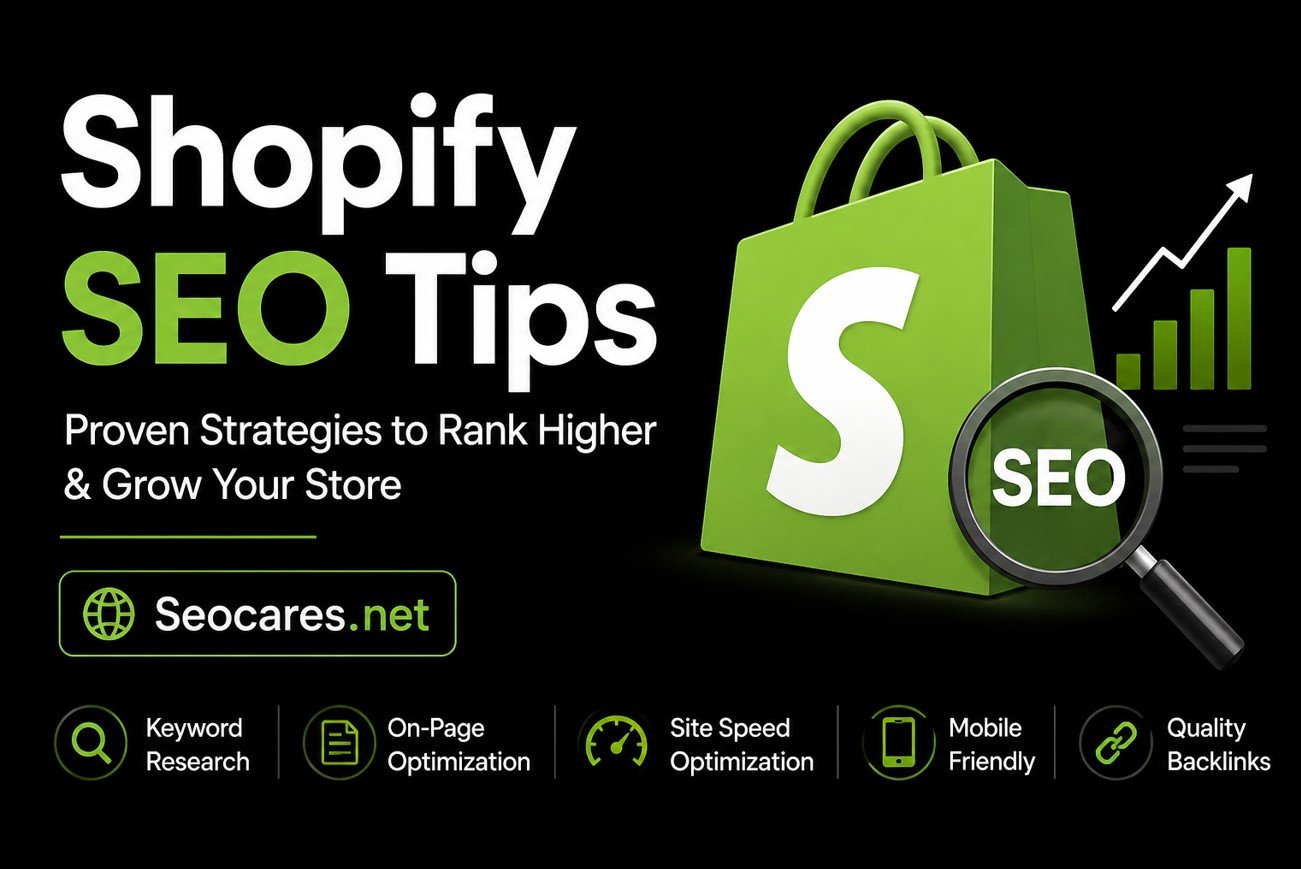
Running a Shopify store is exciting, but getting people to actually find it? That’s a different challenge entirely. You can have the best products in your niche, yet if your store doesn’t show up on Google, those products might as well be invisible.
The good news is that Shopify SEO isn’t some mysterious skill reserved for tech experts. It’s a set of practical steps you can learn and apply, even if you’ve never touched a line of code. This guide breaks down exactly what works right now, based on how Shopify’s platform is built and how Google actually ranks ecommerce sites today.
By the end of this article, you’ll have a clear roadmap for improving your store’s visibility, attracting the right shoppers, and turning more visitors into paying customers.
Why SEO Matters for Shopify Stores
Paid ads can bring quick traffic, but that traffic disappears the moment you stop paying. Organic search traffic works differently. Once your pages rank well, they keep pulling in visitors month after month without ongoing ad spend.
For Shopify store owners, this matters even more because of the competitive landscape. Thousands of stores sell similar products, often sourced from the same suppliers. SEO becomes the deciding factor in who gets found first.
Consider these realities:
- Over 60% of ecommerce website traffic starts with a search engine.
- Shoppers who arrive via organic search tend to convert at a higher rate than those from social media.
- Ranking on page one builds trust before a customer even clicks your link.
Skipping SEO means leaving free, high-intent traffic on the table.
Shopify SEO vs. Traditional SEO: What’s Different

Shopify handles some SEO basics automatically, like generating sitemaps and using clean URL structures. But the platform also has quirks that can hold your rankings back if you’re not careful.
Here’s what makes Shopify SEO unique:
- Limited URL editing. You can’t fully customize URL structures (like removing “/products/” from product URLs) without app workarounds.
- Duplicate content risks. Collection filtering and tagging can create duplicate or thin pages if not managed properly.
- App bloat slows sites down. Too many third-party apps can hurt page speed, which directly affects rankings.
- Built-in blog feature. Shopify includes a native blogging tool, making content marketing easier than on many other platforms.
Understanding these differences helps you focus your efforts where they’ll actually make a difference.
Keyword Research for Shopify Stores

Before touching any page on your store, you need to know what your customers are actually searching for. Guessing wastes time and money.
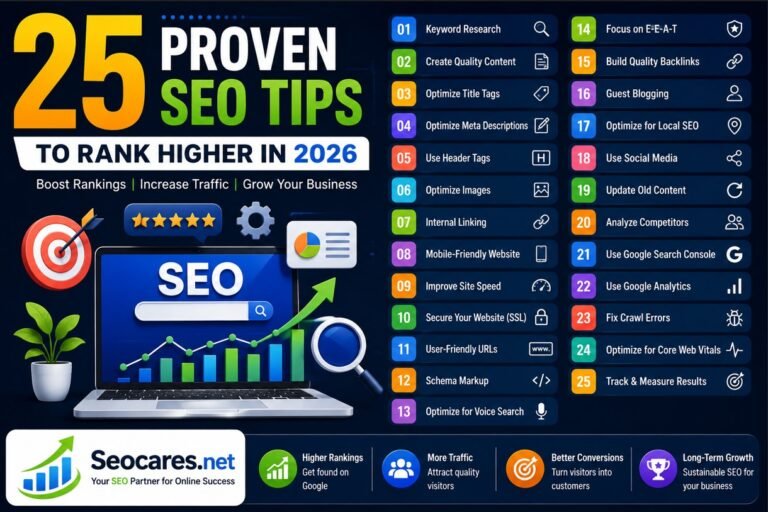
Read More: 25 Proven SEO Tips to Rank Higher in 2026
Finding the Right Keywords
Start with buyer-intent keywords rather than broad, generic terms. Someone searching “shoes” could be researching, browsing, or ready to buy. Someone searching “buy waterproof hiking boots size 10” is almost certainly ready to purchase.
Useful tools for Shopify keyword research include:
- Google Keyword Planner for search volume estimates
- Ahrefs or Semrush for competitor keyword gaps
- Google Search Console to see what you already rank for
- AnswerThePublic for question-based keywords customers ask
Prioritizing Keywords by Intent
Group your keyword list into three categories:
- Transactional (“buy,” “shop,” “order,” “discount”) — target these on product and collection pages.
- Informational (“how to,” “best,” “guide”) — target these on blog posts.
- Navigational (brand names) — usually already covered if your branding is consistent.
Focusing on intent, not just volume, leads to better-qualified traffic and higher conversion rates.
Mapping Keywords to Pages
Once you have a solid keyword list, assign each term to a specific page rather than trying to rank one page for everything. This is called keyword mapping, and it prevents your own pages from competing against each other.
A simple approach:
- One primary keyword per product page, matched to the product’s exact use case
- Broader category terms assigned to collection pages
- Long-tail, question-based keywords assigned to blog posts
This structure keeps your site organized and makes it easier for search engines to understand which page deserves to rank for which query.
On-Page SEO Tips for Product Pages
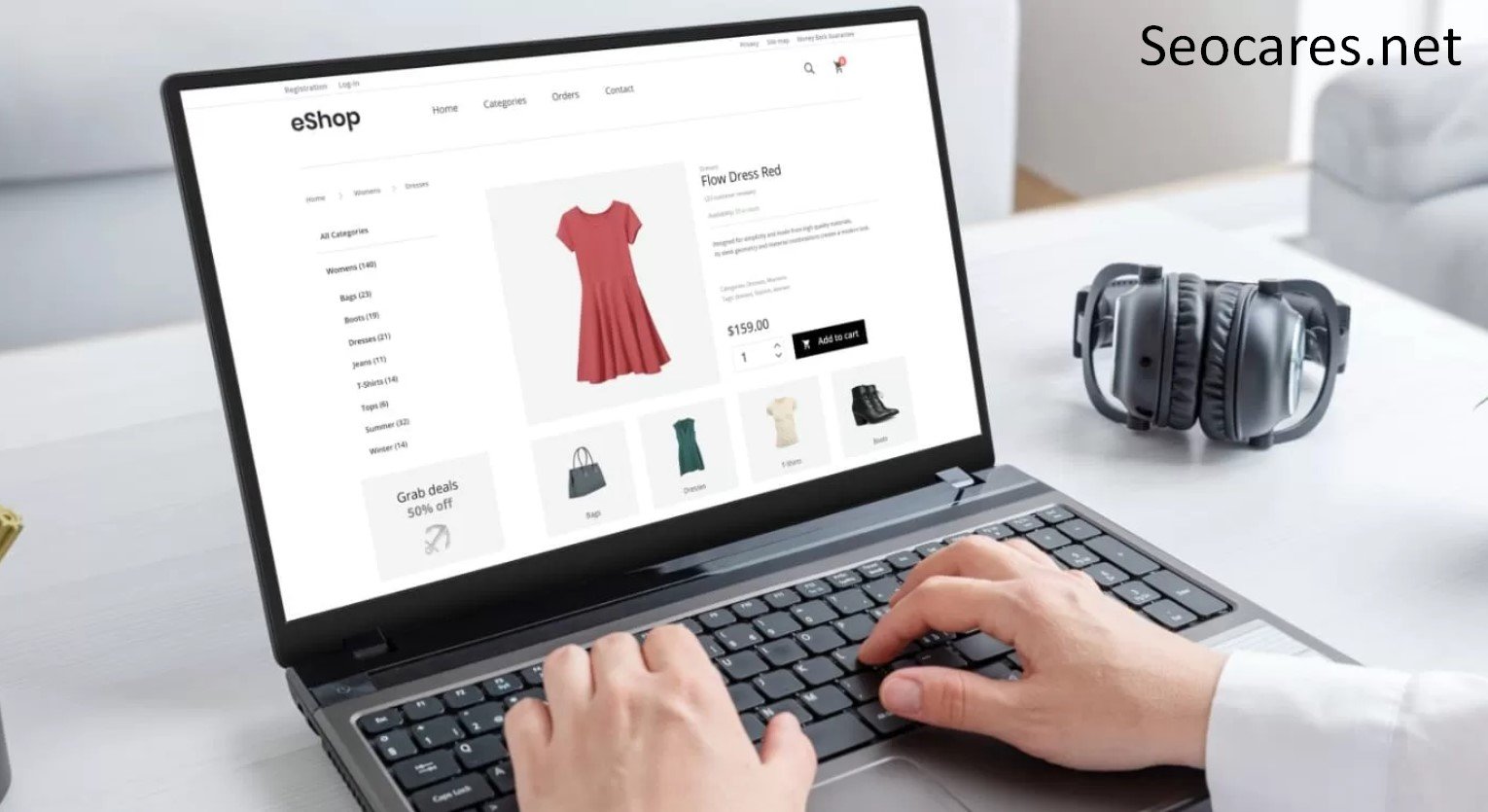
Product pages are where sales happen, so they deserve the most SEO attention.
Write Unique Product Descriptions
Many Shopify sellers copy manufacturer descriptions directly. This creates duplicate content, which search engines penalize. Instead:
- Write original descriptions that highlight real benefits, not just specs.
- Answer common customer questions within the copy.
- Use natural language that matches how real shoppers talk.
Optimize Titles and Meta Descriptions
Your product title should include the primary keyword close to the beginning. Meta descriptions won’t directly boost rankings, but they influence click-through rates, which indirectly affects performance.
A strong meta description:
- Stays under 155 characters
- Includes a clear benefit or call to action
- Matches the search intent behind the keyword
Use Descriptive Image Alt Text
Product images need alt text that describes what’s shown, includes relevant keywords naturally, and helps with image search visibility. Avoid generic labels like “IMG_2034.”
Structure URLs Cleanly
Shopify automatically generates URLs from product titles, but you can still edit them. Keep them short, remove unnecessary words, and include your target keyword.
Optimizing Collection Pages
Collection pages often get ignored, yet they can rank incredibly well for broader, high-volume keywords.
Add SEO Content to Collections
Most Shopify themes let you add a description field above or below the product grid. Use this space to:
- Explain what the collection includes
- Naturally include your target keyword
- Answer common questions shoppers have before buying
Avoid Thin or Duplicate Collections
Creating too many overlapping collections (like “Men’s Shoes” and “Shoes for Men”) splits your ranking potential. Consolidate similar collections and use tags for filtering instead of creating new pages.
Technical SEO Fixes Every Shopify Store Needs

Technical SEO is the foundation everything else builds on. Even the best content won’t rank if search engines struggle to crawl and index your site.
Fix Duplicate Content from Filtering
Shopify’s filtering system can generate multiple URLs for the same content. Use canonical tags to point search engines to the primary version of each page.
Submit and Monitor Your Sitemap
Shopify auto-generates a sitemap at yourstore.com/sitemap.xml. Submit this to Google Search Console and check it regularly for crawl errors.
Set Up Proper Redirects
When you delete or rename products and pages, always create a 301 redirect. Broken links hurt both user experience and rankings.
Structured Data Markup
Shopify themes typically include basic schema markup for products, but verify it’s showing prices, availability, and reviews correctly using Google’s Rich Results Test.
Content Marketing for Shopify SEO

Blog content helps you rank for informational keywords that product pages can’t target effectively.
Types of Content That Perform Well
- Buying guides (“How to Choose the Right Running Shoes”)
- Comparison posts (“Product A vs. Product B”)
- Trend roundups relevant to your niche
- How-to tutorials related to your products
Internal Linking Strategy
Every blog post should link to relevant product or collection pages. This guides readers toward purchase and helps search engines understand site structure.
A simple internal linking rule: every new page should link to at least two existing pages, and at least two existing pages should link back to it.
Building Backlinks to Your Shopify Store
Backlinks remain one of the strongest ranking factors. Quality matters far more than quantity.
Effective Link-Building Tactics
- Guest posting on niche-relevant blogs
- Product reviews from bloggers and influencers
- Digital PR through press releases for major launches
- Supplier and partner links from businesses you work with
- Broken link building by finding dead links on relevant sites and offering your content as a replacement
Avoid buying links or joining link farms. These tactics violate Google’s guidelines and can trigger penalties that are difficult to recover from.
Mobile and Page Speed Optimization

Google uses mobile-first indexing, meaning it primarily evaluates the mobile version of your store for rankings.
Speed Optimization Checklist
- Compress product images before uploading (use WebP format when possible)
- Limit the number of installed apps
- Choose a lightweight, well-coded theme
- Enable lazy loading for images
- Minimize custom code and third-party scripts
You can test your store’s speed using Google PageSpeed Insights and prioritize fixes flagged as high impact.
Common Shopify SEO Mistakes to Avoid

Even experienced store owners fall into these traps:
- Using manufacturer descriptions word-for-word
- Ignoring alt text on product images
- Ranking a fragile theme heavy with unnecessary apps
- Neglecting the blog entirely
- Skipping Google Search Console monitoring
- Overstuffing keywords unnaturally into copy
- Forgetting to update old content as products or trends change
Avoiding these mistakes alone can put you ahead of a large percentage of competing stores.
Measuring Your Shopify SEO Progress

SEO efforts only matter if you can track whether they’re working. Set up a simple monitoring routine so you know what’s improving and what still needs attention.
Key Metrics to Track
- Organic traffic in Google Analytics, segmented by landing page
- Keyword rankings for your priority terms, checked monthly
- Click-through rate from Search Console, which reveals if your titles and descriptions need work
- Conversion rate from organic visitors, since traffic alone doesn’t pay the bills
- Crawl errors and coverage issues flagged inside Search Console
Reviewing these numbers monthly, rather than daily, gives you a clearer picture of real trends instead of normal fluctuation. Small ranking dips are common and rarely mean something is broken.
Pros & Cons of Shopify for SEO
| Aspect | Pros | Cons |
| Site Speed | Reliable hosting infrastructure | Can slow down with too many apps |
| URL Structure | Clean, consistent format | Limited customization (e.g., “/products/” can’t be removed) |
| Content Tools | Built-in blog and page editor | Advanced customization needs apps or code |
| Technical SEO | Auto-generated sitemap and SSL | Duplicate content risk from filters/tags |
| Scalability | Handles high traffic well | App costs can add up over time |
Comparison: Shopify SEO Apps Worth Considering
| App Name | Best For | Key Feature |
| Plug in SEO | Beginners | Site-wide audit and error alerts |
| Yoast SEO for Shopify | Content optimization | Real-time readability and keyword scoring |
| TinyIMG | Image optimization | Automatic compression and alt text suggestions |
| Smart SEO | Bulk editing | Auto-generates meta tags across pages |
Choose based on your store size and technical comfort level. Smaller stores often do well starting with one all-in-one audit tool before adding specialized apps.
Frequently Asked Questions
1. How long does Shopify SEO take to show results?
Most stores start seeing noticeable movement within three to six months, though competitive niches can take longer. Consistency matters more than speed.
2. Do I need to hire an SEO expert for Shopify?
Not necessarily. Many store owners successfully manage their own SEO using the strategies outlined here, though larger stores with complex catalogs may benefit from professional help.
3. Does Shopify automatically optimize my store for SEO?
Shopify handles basics like SSL certificates and sitemap generation, but on-page optimization, content, and link building still require manual effort.
4. Are Shopify SEO apps worth the cost?
For stores with limited time or technical skill, SEO apps can save hours of manual work and catch errors you might otherwise miss.
5. Can I change my Shopify URL structure?
You can edit individual page and product URLs, but the platform-level structure (like “/products/” or “/collections/”) cannot be fully removed without significant workarounds.
6. How many keywords should I target per product page?
Focus on one primary keyword and two to three closely related secondary keywords. Trying to target too many dilutes your page’s focus.
7. Does blogging really help Shopify stores rank better?
Yes. Blog content targets informational searches that product pages can’t capture, while also building internal linking opportunities and topical authority.
8. What’s the biggest SEO mistake new Shopify store owners make?
Using unedited manufacturer product descriptions is one of the most common and damaging mistakes, since it creates duplicate content across many competing stores.
9. How important are product reviews for SEO?
Very important. Reviews add fresh, unique content to your pages, build trust signals, and often trigger rich snippets in search results.
10. Should I optimize for voice search on Shopify?
It helps to include natural, conversational phrases in your content, since voice searches tend to be longer and more question-based than typed searches.
Conclusion
Shopify SEO isn’t a one-time task. It’s an ongoing process of refining your product pages, publishing helpful content, fixing technical issues, and earning quality backlinks. The stores that win aren’t necessarily the ones with the biggest budgets. They’re the ones that consistently apply the fundamentals covered in this guide.
Start with the changes that will have the biggest immediate impact: rewriting duplicate product descriptions, fixing technical errors in Search Console, and optimizing your top-selling collection pages. From there, build momentum with regular content and a steady link-building strategy.
Search rankings reward patience and consistency. Apply these Shopify SEO tips steadily, and you’ll see your store climb toward the visibility it deserves.